

Important Notice:
Before starting the integration, please make sure that your TikTok store is correctly setup.
Please note that the shipping profile needs to be altered on the TikTok shop to ‘Shipped by Seller’ by creating a new template and also please edit each product to use the new shipping profile template. This will solve the issue of the addresses being starred out on TikTok and also on the WMS.
After the above;
1. Navigate to Settings > Integrations within the WMS dashboard (https://app.getpimento.com) and press +Connect New Integration and then click on Connect on the TikTok integration.

2. You will be redirected to TikTok where you need to confirm your region and then login to your account.
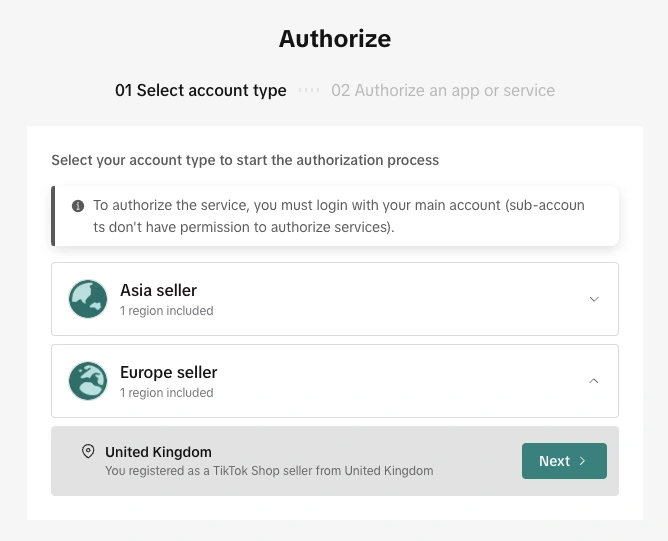
3. You will be asked to confirm Pimento can connect to your TikTok account.
4. You will be redirected back to the WMS dashboard and your TikTok store is now connected!