

Important:
Please make sure our location is setup correctly along with your Shipping Profiles and Shipping Zones within Settings -> Shipping and delivery.
You can find helpful information regarding this via Shopify Help, contacting Shopify directly to help with this or contact our IT directly and we will try to help as much as possible.
Useful Links
Help with Setting up Shipping & Delivery. Very useful if you want to restrict certain products to certain countries and also useful to restrict selling to certain countries – https://help.shopify.com/en/manual/fulfillment/setup/shipping-rates/shipping-zones
Shopify can also help with splitting orders. Vary useful for things like pre-orders and products on different shipping profiles – https://help.shopify.com/en/manual/checkout-settings/split-shipping
Instructions
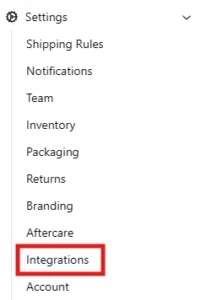
1. Navigate to Integrations. This can be found by going to Settings > Integrations on the WMS dashboard.
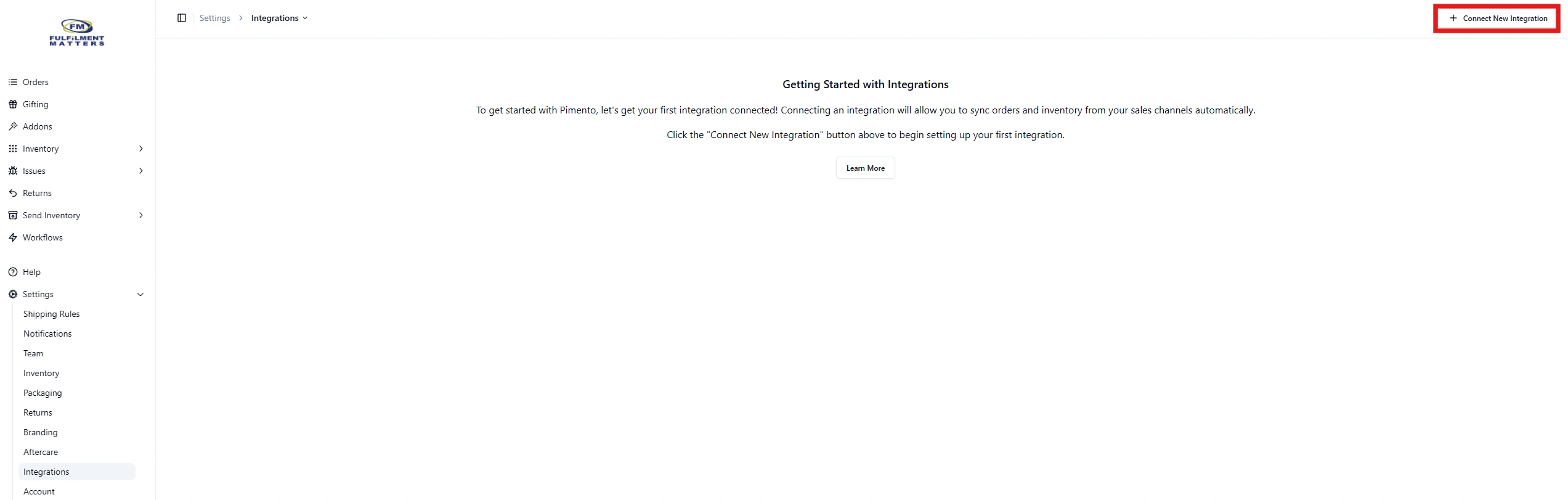
2. Next go to +Connect New Integration in the top right corner. A pop up will appear.
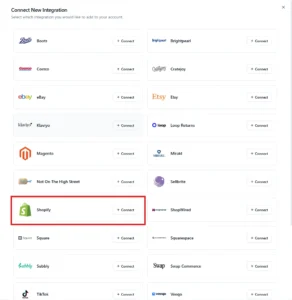
Click on ‘Connect’ on the button for Shopify where you will be redirected.
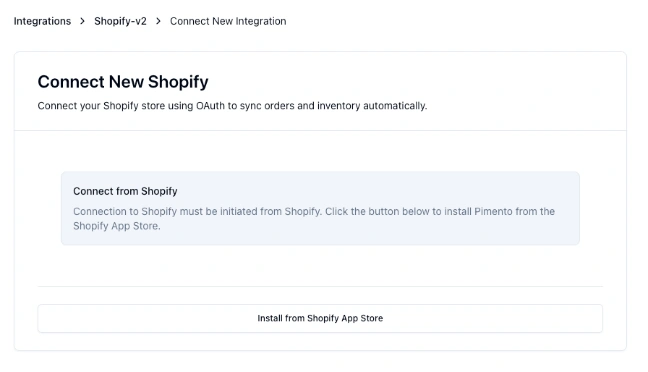
3. From there you will be shown a pop-up asking to install from the Shopify App store, simply hit ‘Install from Shopify App Store’ and you will be redirected.
If you see a slightly different screen, please refer to 3.1 below
3.1. If you see a slightly different screen, you will be asked to enter your slug. This can be found when you go to admin.shopify.com within the domain bar, e.g from https://admin.shopify.com/store/adam-testing-store you would need to enter adam-testing-store

4. You will now be shown the Shopify App Store, click Install. (you will need to ensure you are logged into the correct Shopify store you wish to link)

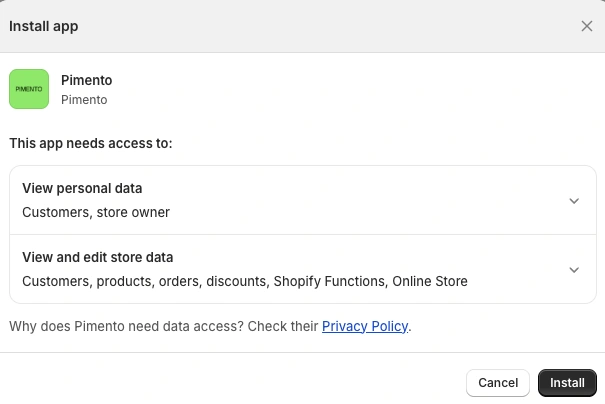
5. When re-directed to Shopify you will be prompted to accept the Pimento App Shopify permissions, these are required to download and send fulfilment updates.
Last Step is IMPORTANT
6. Once accepted you will be redirected back to the WMS with your settings page now available, you will NEED to set a fulfilment location (our location or the default location depending how you have setup Shopify) so that orders can import and export. Also, you can enable Inventory sync if required. See Inventory Sync for more infomation