Returns

The returns tab filters any expected, received or processed returns. You can click into each order and know what was expected in the order, the warehouse team can say what stock that actually received back and if it restocked into sellable or unsellable inventory. If for any reason the product can not be restocked then […]
Issues
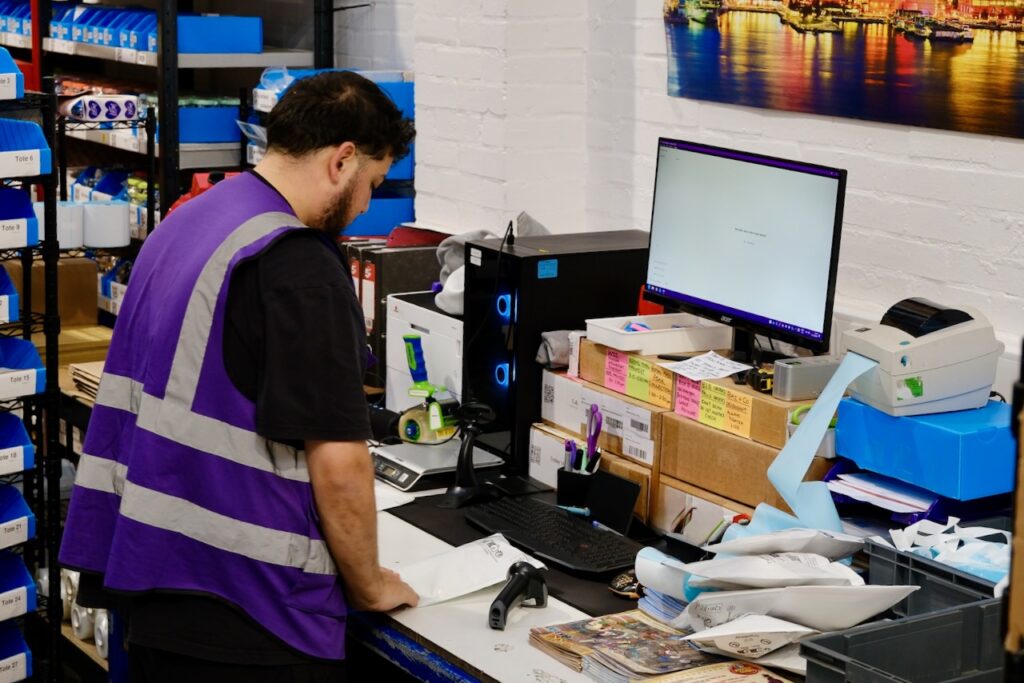
This is a tab that we hope you do not have to use but feel that by being able to log an issue orders it allows visibility into what could be affecting brand and customer satisfaction. Below shows that when an issue is logged it gets added to this data sheet for the month, highlighted […]
Inserts
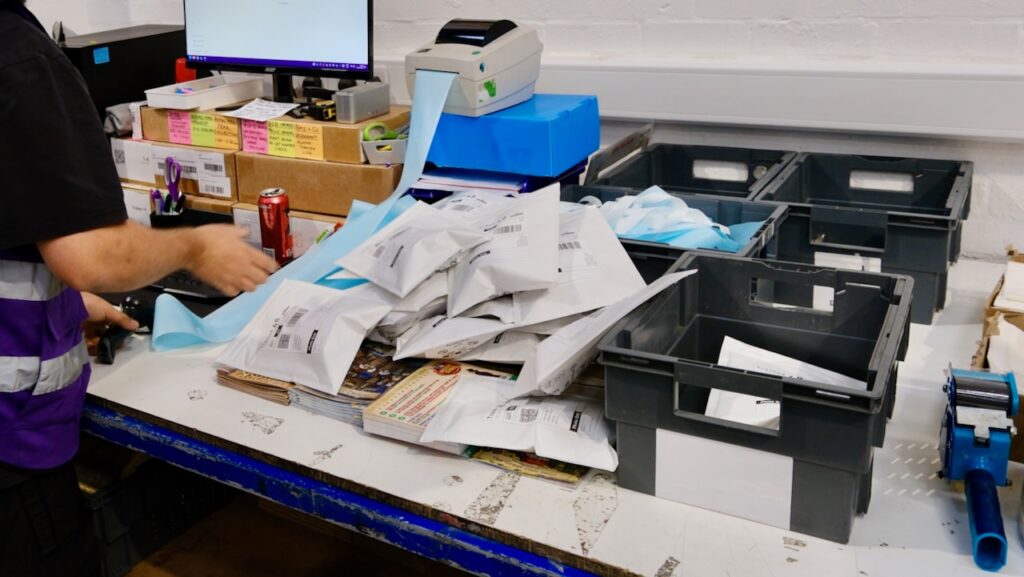
Inserts can come in many different forms such as stickers, card inserts often known as Thank You Cards, tissue paper or sweets. Anything that is an addition with no money value. Brands will often add a Thank You Card or Instructions Card to orders. It can be automatically set up using Workflows to add this […]
Bundles
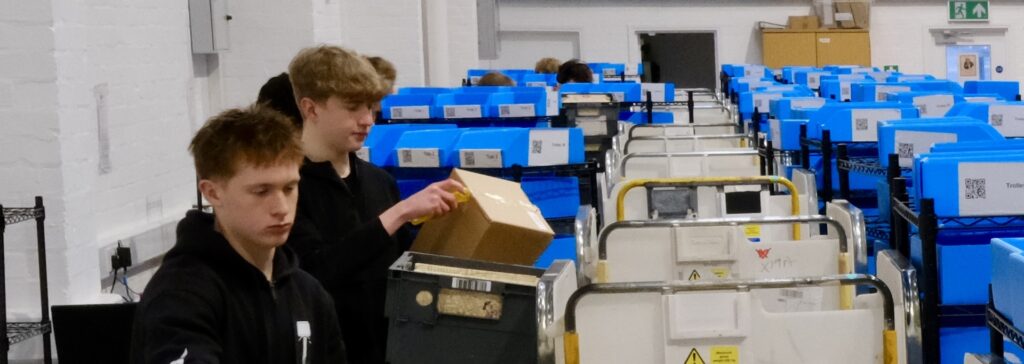
Using the bundles feature on Pimento allows you to sell multiple skus/units in one place! How to set up: Enter the name of the bundle and choose a sku, then add the products and units within that bundle and then submit! The system will do all the heavy lifts of working out how many bundles […]
Inventory
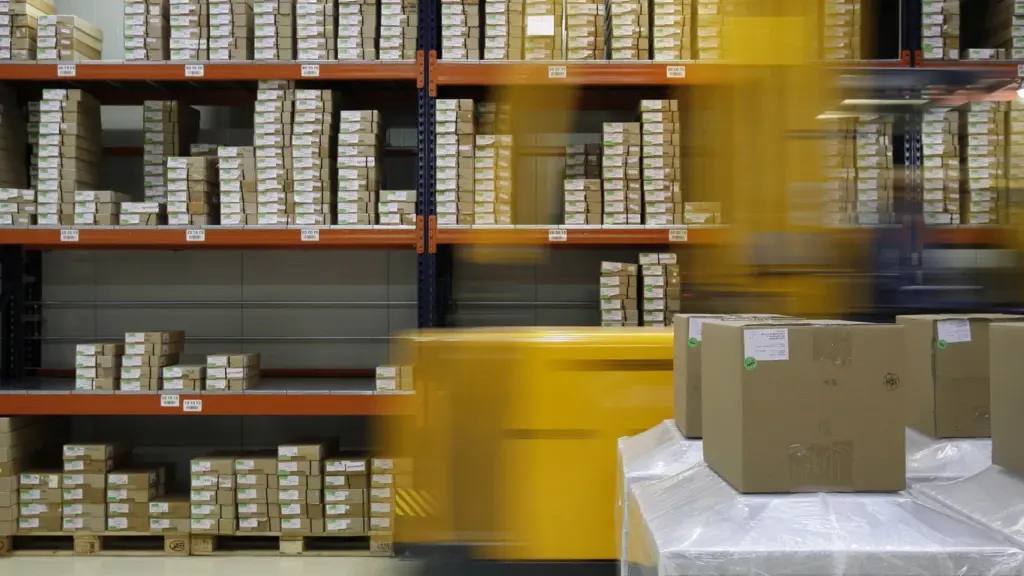
Here the inventory page will show all products (SKU’s) we have on Pimento with the stock levels attached. Stock Using the Stock field search you can filter your search easier – especially if there are alot of products! In Stock: This means the total number of units we have in the warehouse either in frontstock (stock is located […]
Orders

The orders page is without a doubt the most visited page on the WMS system, it is where the magic happens! This is where you have visibility of D2C (Direct to Consumer) and B2B (Business to Business) orders including the current status of them. There are multiple searching field options so you can toggle clearly […]