
eBay
To connect your eBay account to Pimento, follow the below steps: 1. Navigate to Settings > Integrations within the WMS dashboard, (https://app.getpimento.com) press +Connect New Integration and then click on Connect on the eBay integration. 2. You will be redirected to eBay where you need to login to your account. 3. Click Agree and Continue when […]
TikTok

Important Notice: Before starting the integration, please make sure that your TikTok store is correctly setup. Please note that the shipping profile needs to be altered on the TikTok shop to ‘Shipped by Seller’ by creating a new template and also please edit each product to use the new shipping profile template. This will solve […]
WooCommerce

To connect your WooCommerce account to the WMS, follow the steps below: Instructions 1. Within your WordPress instance, navigate to the WooCommerce tab of the sidebar and click on Settings. 2. From the settings menu click on Advanced and then on the sub menu click on REST API Keys. Next, click on Add Key. 3. […]
Inventory Sync
Keep stock levels up to date on your sales channels Inventory Sync is a feature available for most integrations, allowing you to sync your stock levels on Pimento to your store. Configuration There are three levels of inventory sync generally available: Daily: Stock levels will sync daily overnight, this is perfect for brands who operate […]
Shopify

Important: Please make sure our location is set up correctly along with your Shipping Profiles and Shipping Zones within Settings -> Shipping and Delivery. You can find helpful information regarding this via Shopify Help, contacting Shopify directly to help with this or contact our IT directly and we will try to help as much as […]
Shipping Rules

These are created normally at the time of onboarding to ensure that orders from a sales channel pull through to Pimento and get dispatched on the correct shipping method. In Shopify for example, the ‘Rate Name’ needs to get inputted into Pimento under ‘Copy’ as this is what matches them together. You can then filter […]
Send Inventory
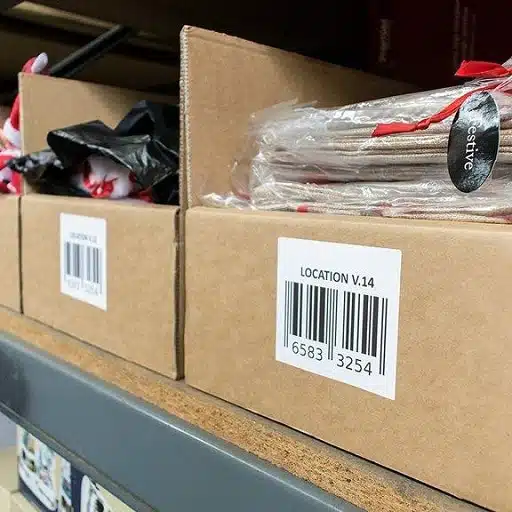
Here you can submit an ASN (Advanced Shipping Notice) onto Pimento, this essentially allows the warehouse team to have notice of your shipment coming into the warehouse. Especially if you would like your shipment rushes when it arrives, we ask for as much notice as possible! To create an ASN, click on Send Inventory -> […]
Returns
The returns tab filters any expected, received or processed returns. You can click into each order and know what was expected in the order, the warehouse team can say what stock that actually received back and if it restocked into sellable or unsellable inventory. If for any reason the product can not be restocked then […]
Issues
This is a tab that we hope you do not have to use but feel that by being able to log an issue orders it allows visibility into what could be affecting brand and customer satisfaction. Below shows that when an issue is logged it gets added to this data sheet for the month, highlighted […]
Inserts
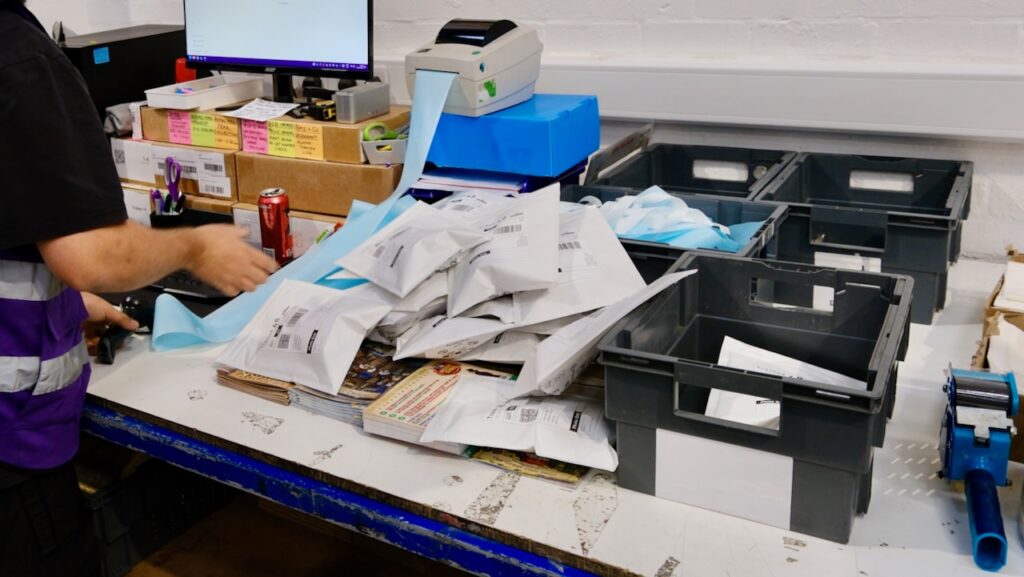
Inserts can come in many different forms such as stickers, card inserts often known as Thank You Cards, tissue paper or sweets. Anything that is an addition with no money value. Brands will often add a Thank You Card or Instructions Card to orders. It can be automatically set up using Workflows to add this […]